

Description
CB QR Code lets you add a customizable QR code to your WordPress content. Visitors can scan or click the QR code to quickly copy the link, making sharing your content effortless. Now with local QR generation for better performance and WordPress.org compliance.
Key Features:
- Uses endroid/qr-code library for local generation (no external dependencies)
- Display QR codes on posts, pages, or custom post types (Media post type excluded)
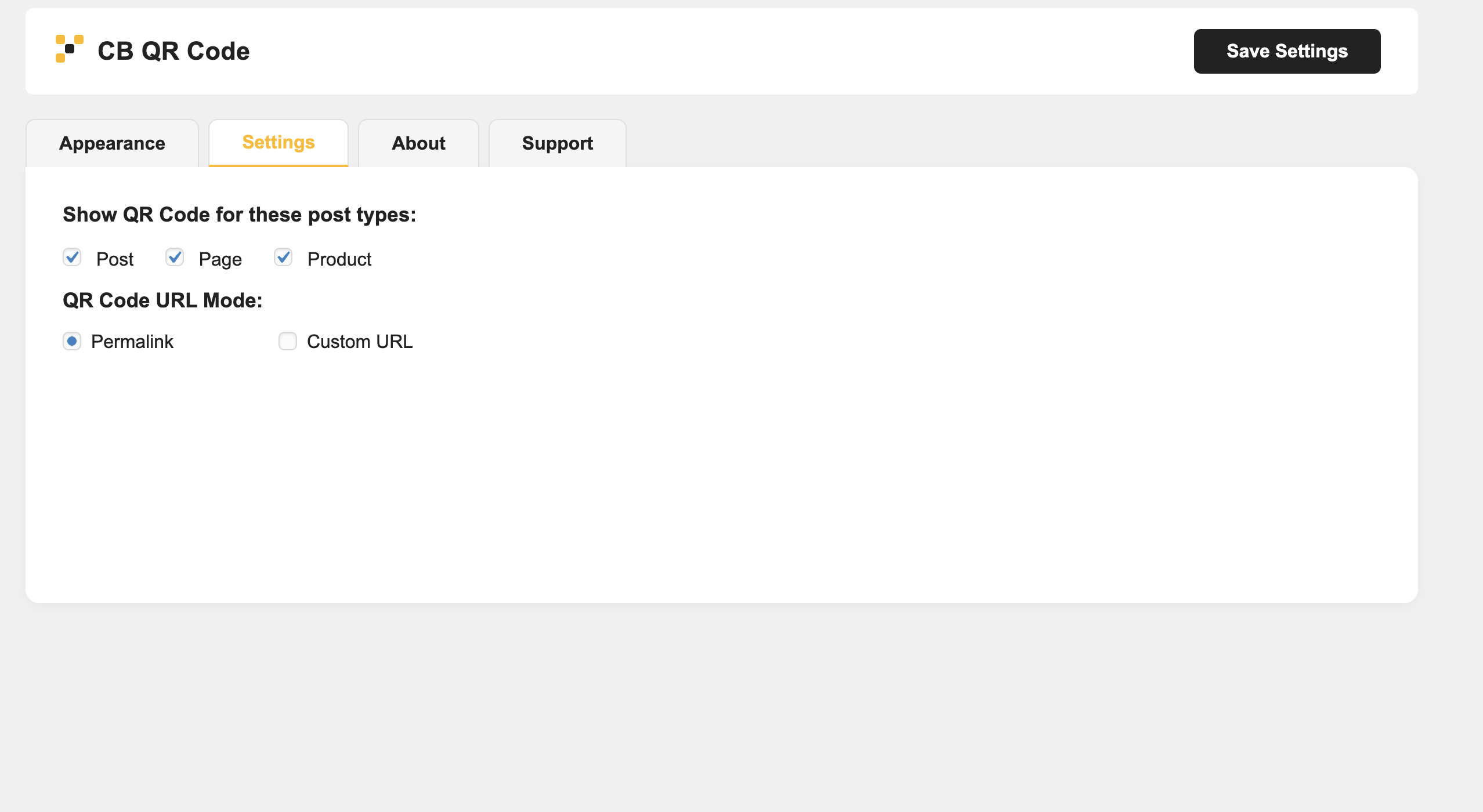
- Choose between permalink or custom URL for the QR code
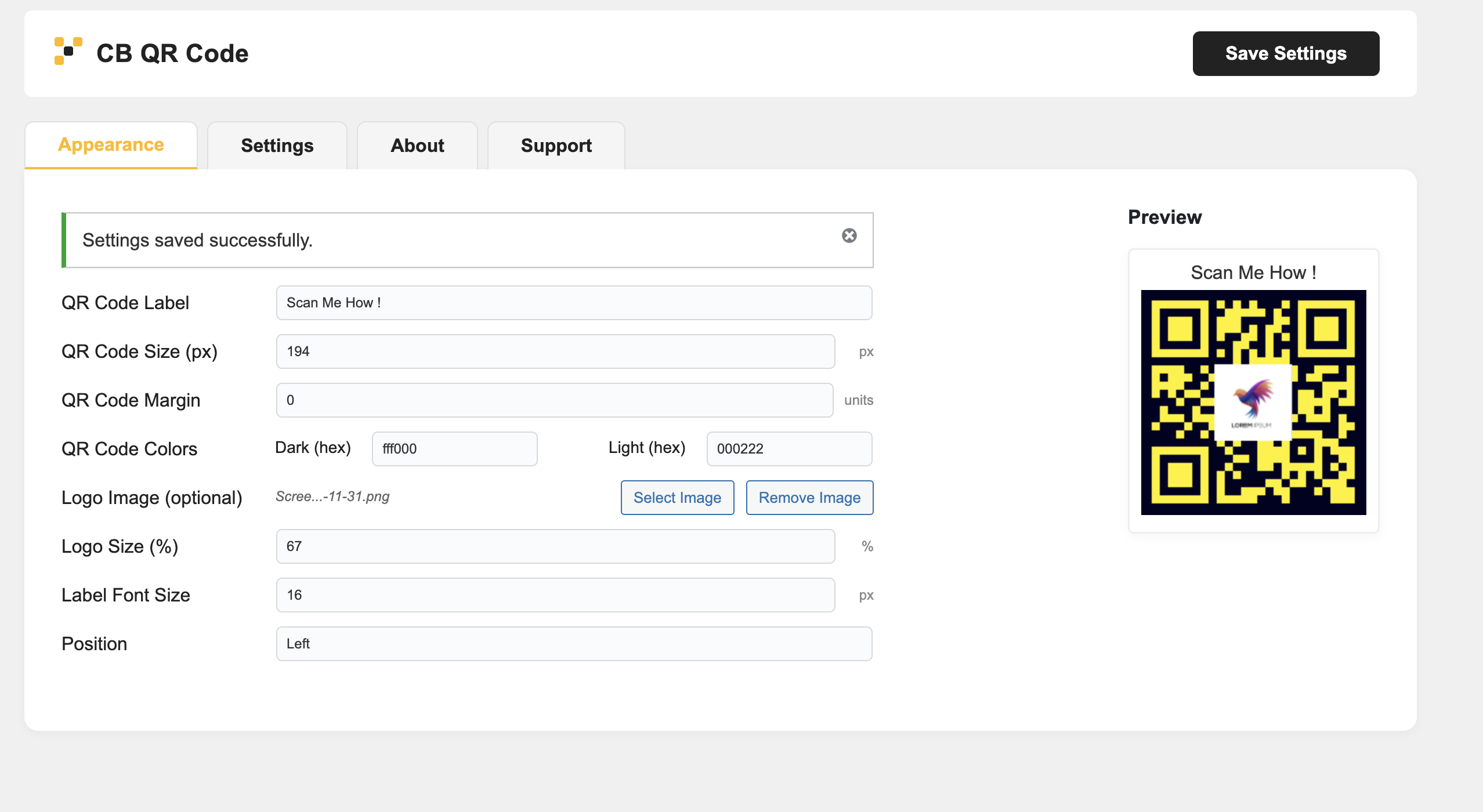
- Customize QR code size, margin, colors, label, and logo
- Live preview in the Appearance tab with AJAX updates
- Click QR code to copy the link (with visual feedback)
- Persistent admin tabs (remembers last active tab)
- Developer hooks to add content before/after the QR code
Usage:
- Select which post types should display the QR code
- Customize the QR code appearance (size, margin, colors, label, logo, position)
- Choose between permalink or custom URL for the QR code
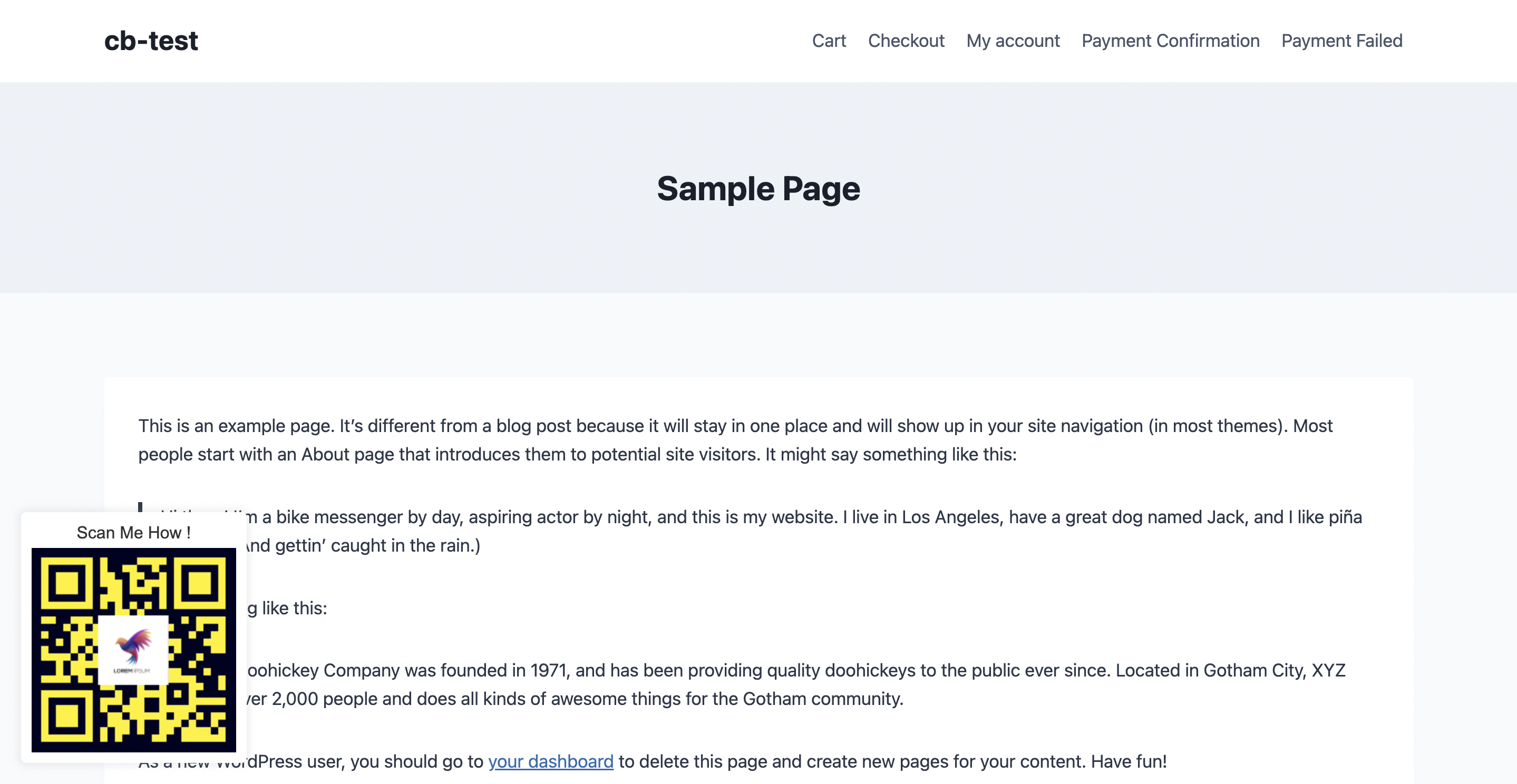
- The QR code will automatically appear on the selected post types in the frontend
- Admin tabs remember your last selected tab for better user experience
Contribute
If you want to contribute to this project or just report a bug, you are more than welcome. Please check repository from Github.
Screenshots
Installation
- Upload the plugin files to the
/wp-content/plugins/cb-qr-codedirectory, or install the plugin through the WordPress plugins screen directly. - Activate the plugin through the ‘Plugins’ screen in WordPress.
- Go to CB QR Code in your WordPress admin menu to configure settings.
FAQ
-
How do I display QR codes on my posts?
-
After activating the plugin, go to CB QR Code in your admin menu. Select the post types where you want QR codes to appear, and they will automatically be displayed on the frontend.
-
Can I customize the appearance of QR codes?
-
Yes! You can customize the size, margin, colors, label, and even add a logo. The Appearance tab provides a live preview of your customizations.
-
Does this plugin require external services?
-
No, CB QR Code generates QR codes locally, ensuring better performance and compliance with WordPress.org guidelines.
-
Can visitors copy the link by clicking the QR code?
-
Yes, visitors can click on the QR code to copy the link to their clipboard. Visual feedback is provided to confirm the action.
Reviews
There are no reviews for this plugin.
Contributors & Developers
“CB QR Code” is open source software. The following people have contributed to this plugin.
Contributors
Translate “CB QR Code” into your language.
Interested in development?
Browse the code, check out the SVN repository, or subscribe to the development log by RSS.
Changelog
1.0.1
- Fix: QR codes for posts with non-Latin (percent-encoded) permalinks pointed to a broken URL.
- Fix: the admin preview encoded
&in custom URLs as&. - Fix: the QR code is added only to the main post’s content, not to other posts shown on the same page (Query Loop, related posts).
- Fix: the label font size rendered as
12pxpxon new installs. - Fix: older preview responses could overwrite newer ones while editing.
- Security: custom URLs must be http or https.
- Security: QR size, margin, logo size and font size are clamped to their ranges; position is limited to left/right.
- Improvement: frontend CSS/JS load only where a QR code can appear.
- Improvement: admin menu titles and admin script messages are translatable.
- Improvement: deleting the plugin removes its settings.
1.0.0
- Initial release
- Local QR code generation using endroid/qr-code library
- Customizable appearance options
- Support for posts, pages, and custom post types
- Live preview functionality
- Click-to-copy link feature
- Developer hooks for extensibility